Navigating the world of online shopping often involves anxiously awaiting the arrival of your packages. UPS, a leading global logistics company, uses a variety of tracking statuses to keep customers informed about their shipments. One such status, "On the Way," can be a bit ambiguous. This guide aims to demystify the "On the Way" status, providing you with a clear understanding of what it means for your package and what to expect during the delivery process.
Understanding the different tracking statuses helps manage expectations and plan accordingly. While "Out for Delivery" signals an imminent arrival, "On the Way" indicates that your package is progressing through the UPS network but still has some distance to travel. Knowing the difference between these statuses can prevent unnecessary anxiety and ensure you're prepared to receive your delivery.
In this comprehensive guide, we'll break down the meaning of "On the Way," compare it to other common UPS statuses, and provide helpful tips for tracking your package effectively. Let's get started!
Step 1: Understanding the Core Meaning of "On the Way"
What "On the Way" Really Signifies
The "On the Way" status from UPS signifies that your package has been officially accepted into the UPS system, has a scheduled delivery date, and is actively being transported towards its final destination. However, it’s important to understand that "On the Way" does NOT mean your package is on a delivery truck headed directly to your home. It simply means it's moving through the UPS network, potentially traveling between different facilities or hubs. Think of it as your package being in transit on the highway, not yet taking the exit ramp to your street.

Step 2: "On the Way" vs. "Out for Delivery": The Key Difference
Differentiating Key Delivery Statuses
The crucial distinction lies in the stage of the delivery process. "On the Way" indicates that your package is progressing through the UPS network, moving between facilities and checkpoints. In contrast, "Out for Delivery" means that your package has reached the final UPS hub closest to your location and is now loaded onto a delivery truck, actively en route to your doorstep. "Out for Delivery" is the final stage before your package arrives, whereas "On the Way" is a more general indicator of progress. If you see "Out for Delivery," anticipate your package arriving that same day, typically before 9 PM.
Step 3: Deciphering Other UPS Tracking Statuses
Exploring the UPS Status Lexicon
UPS employs a variety of tracking statuses to provide detailed information about your package's journey. Besides "On the Way" and "Out for Delivery," you may encounter other statuses such as "Delivered to a UPS Access Point," which indicates your package is available for pickup at a designated location. "Transferred to Post Office for Delivery" means the USPS will handle the final delivery. "Exception" signals a problem that may delay delivery, and "Label Created" signifies that shipping information has been sent to UPS, but the package hasn't yet entered the system. Understanding these statuses helps you interpret the progress of your shipment accurately.

Step 4: Effectively Tracking Your UPS Package
Maximizing UPS Tracking Tools
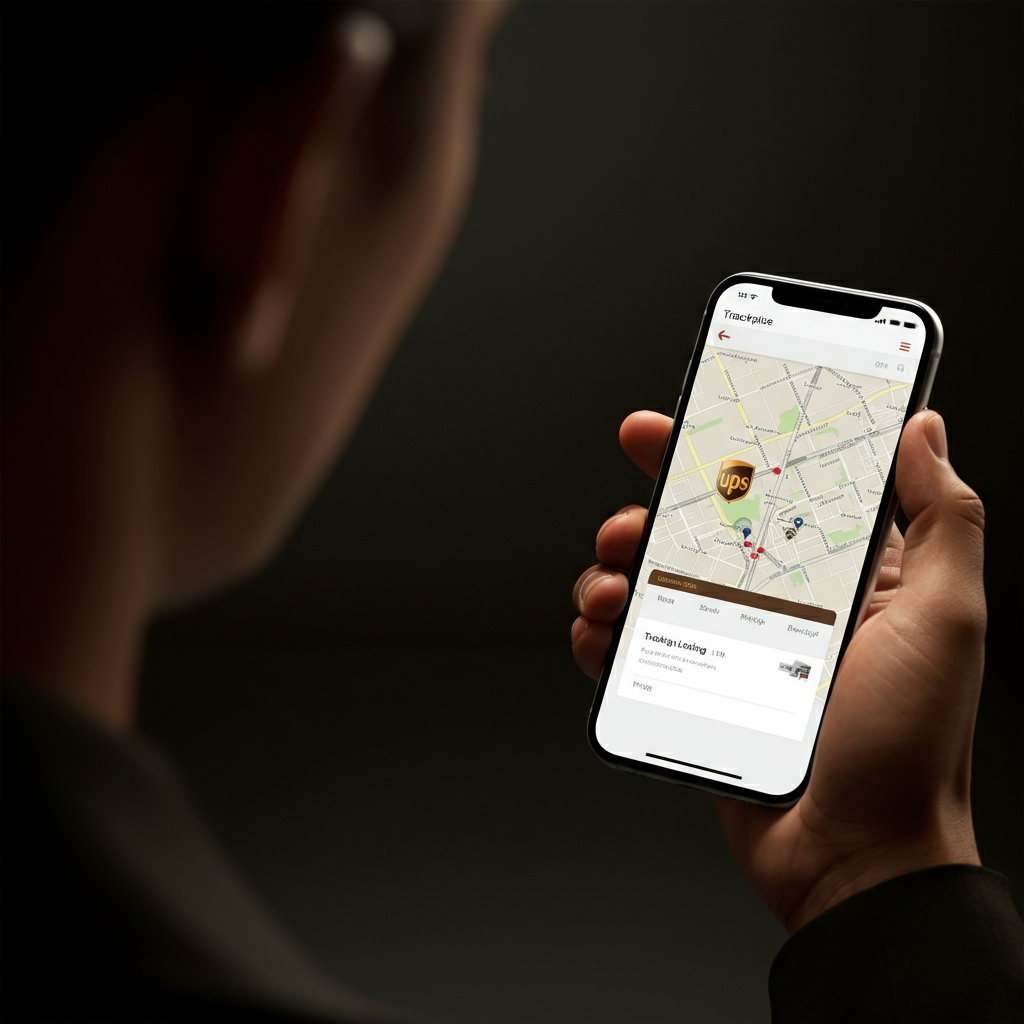
The primary method for tracking your UPS package is through the UPS website or the UPS Mobile app. Simply enter your tracking number, typically 9 to 18 digits long, into the tracking search bar. Make sure you're using the correct tracking number provided by the sender. The tracking system will provide real-time updates on your package's location and estimated delivery date. For "Transferred to Post Office for Delivery" statuses, use the same UPS tracking number on the USPS website for updated information. The app allows you to set up notifications, ensuring you’re alerted to any changes in your package's status.
Step 5: Addressing Potential Delivery Issues and Delays
Navigating Exceptions and Unexpected Events
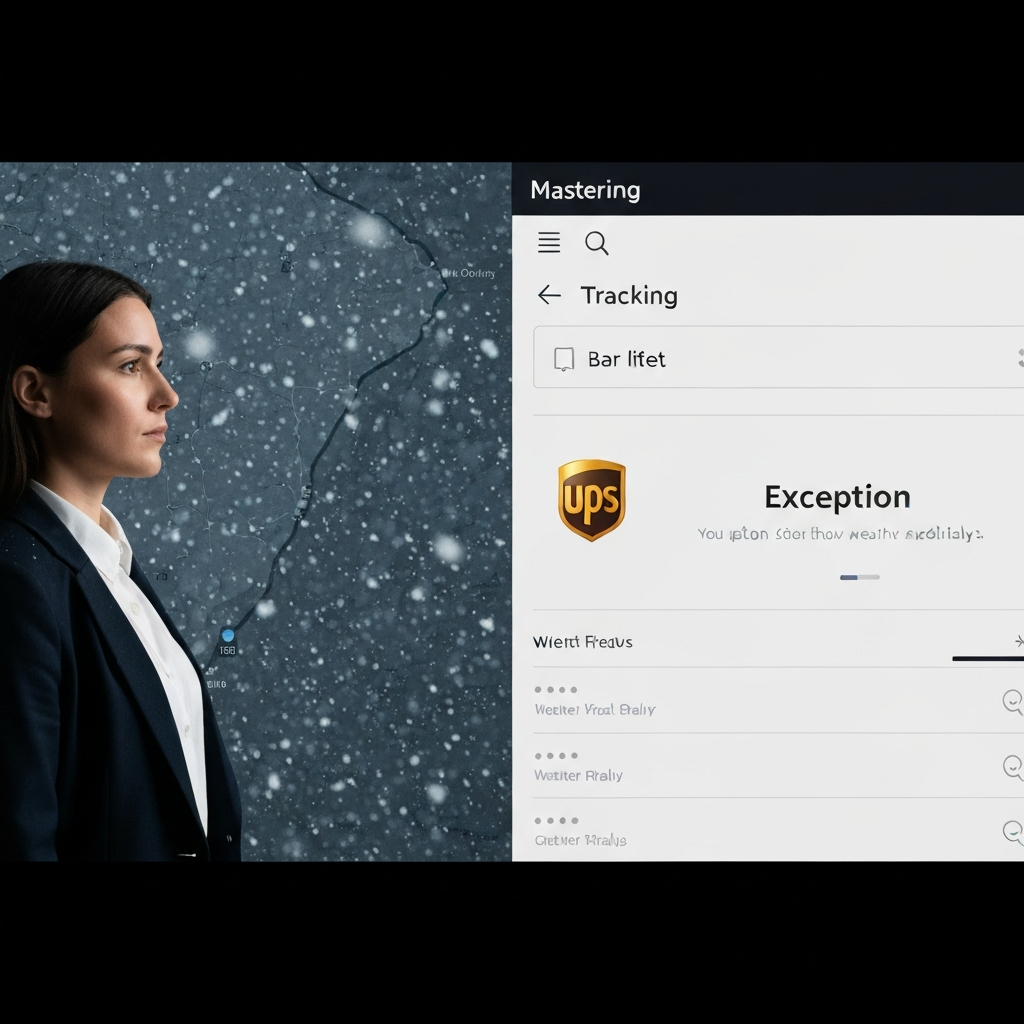
Occasionally, your package may encounter an "Exception" status, indicating a problem that could delay delivery. These issues can range from weather delays to incorrect addresses. If you see an "Exception" status, click on "Shipment Progress" for more details. While UPS strives to resolve these issues quickly, it's important to be patient and monitor the tracking information for updates. If the issue persists for an extended period, contact UPS customer service for assistance.
FAQ Section
- Q: How long will my package be "On the Way"?
- A: The duration depends on the distance and the shipping service selected. Check the estimated delivery date provided by UPS for a more accurate timeframe.
- Q: My package has been "On the Way" for several days with no updates. What should I do?
- A: Contact UPS customer service to inquire about the status of your package. There might be an unreported issue or delay.
- Q: Can I change the delivery address once my package is "On the Way"?
- A: In some cases, you may be able to change the delivery address through UPS My Choice, but it depends on the sender's restrictions and the stage of the delivery process.
Common Mistakes to Avoid
- Incorrect Tracking Number: Double-check that you've entered the correct tracking number.
- Ignoring "Exception" Status: Don't dismiss an "Exception" status. Investigate the reason and monitor for updates.
- Assuming "On the Way" Means Immediate Delivery: Remember that "On the Way" doesn't guarantee delivery that day.
Pro Tips
- Sign up for UPS My Choice to customize your delivery preferences and receive proactive notifications.
- If you're not home to receive a package, consider having it delivered to a UPS Access Point for secure pickup.
- Monitor the weather in your area, as severe conditions can impact delivery times.
Conclusion
Understanding the "On the Way" status, and other UPS tracking terms, empowers you to effectively monitor your shipments and manage your expectations. By distinguishing between "On the Way" and "Out for Delivery," and by leveraging UPS's tracking tools, you can stay informed about the progress of your packages and anticipate their arrival with greater confidence. Remember to address any "Exception" statuses promptly and utilize UPS customer service when needed. Happy tracking!