The days of bulky travel guides and relying solely on travel agents are long gone. Now, your smartphone is a powerful travel planning tool that fits right in your pocket. With the right apps and a little know-how, you can research destinations, book flights and accommodations, create detailed itineraries, and even navigate unfamiliar streets, all from the palm of your hand. This guide will equip you with the knowledge to plan your next unforgettable adventure using only your smartphone.
Planning a trip on a smartphone might seem daunting at first, but it's surprisingly efficient and convenient. The key is to leverage the right mobile apps and features. This comprehensive guide will break down the process into manageable steps, providing you with practical tips and expert advice to ensure a smooth and stress-free travel planning experience. Whether you're a seasoned traveler or planning your first getaway, you'll discover how to maximize your smartphone's capabilities to create the perfect trip.
From finding the best deals on flights and hotels to discovering hidden local gems, we'll cover every aspect of travel planning. Get ready to ditch the traditional travel planning methods and embrace the future of travel with your smartphone!
Step 1: Defining Your Trip & Setting a Budget
Before diving into booking flights and hotels, the very first step is to define the basics of your trip. Determine your destination, travel dates (or a flexible range), the purpose of your trip (leisure, business, or a combination), and who you're traveling with. This will help you narrow down your options and focus your research. Simultaneously, set a realistic budget. Consider all potential costs: transportation, accommodation, food, activities, souvenirs, and unexpected expenses. Budgeting apps can be helpful for this.

Step 2: Finding the Best Flight Deals
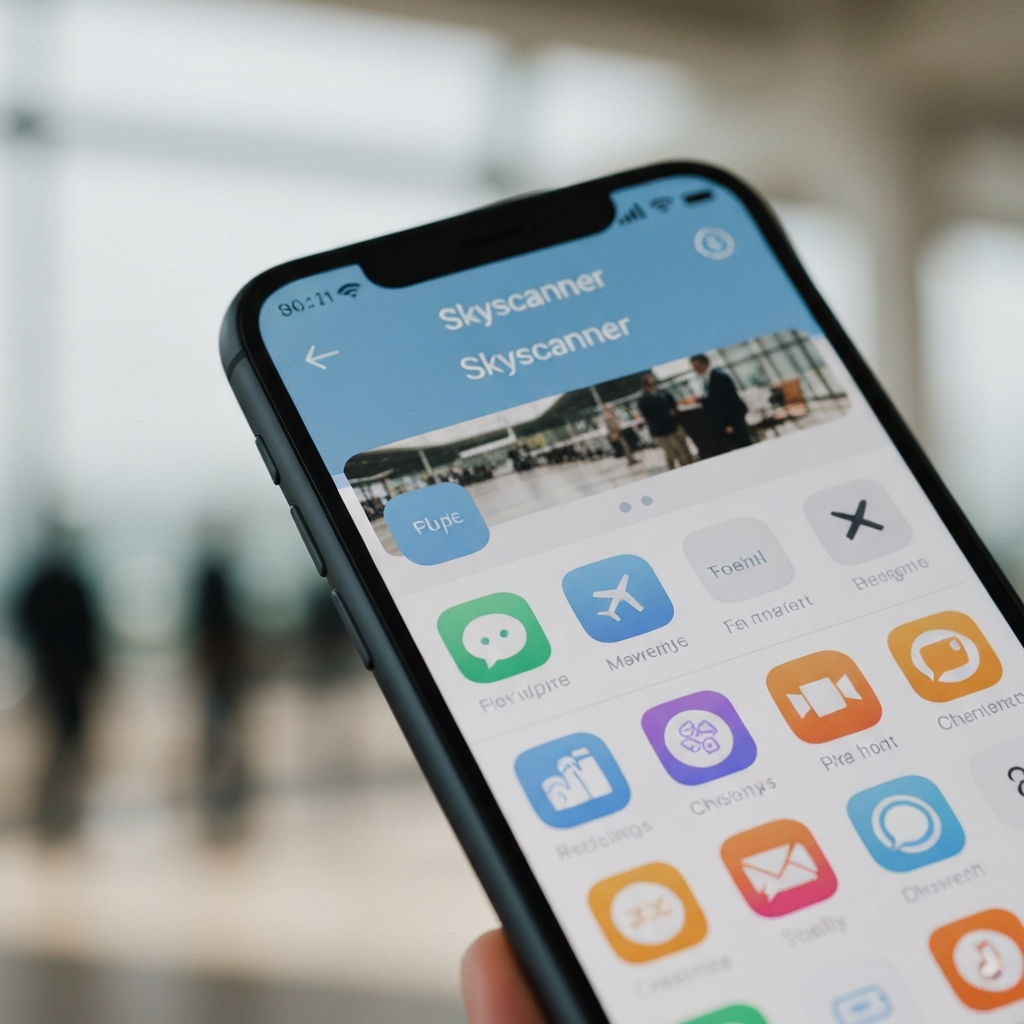
Numerous apps and websites specialize in finding affordable flights. Popular choices include Skyscanner, Google Flights, Kayak, and Hopper. Utilize their search filters to specify your travel dates, destination, and preferred airlines. Be flexible with your travel dates, as flying on weekdays or during off-peak seasons can significantly reduce costs. Set up price alerts to receive notifications when fares for your desired itinerary drop. Consider flying into alternative airports near your destination, as they may offer cheaper flights. Also, be mindful of baggage fees, which can add significantly to the overall cost.
Step 3: Booking Accommodation on the Go
Similar to flight booking, several apps streamline the process of finding and booking accommodation. Booking.com, Expedia, Hotels.com, and Airbnb are widely used options. Carefully review photos, read guest reviews, and compare prices before making a reservation. Consider factors such as location, amenities, and cancellation policies. Airbnb can be a great option for longer stays or if you're traveling with a group, offering more space and potentially lower costs than traditional hotels. HotelTonight is useful for last-minute deals. Pay attention to extra fees like resort fees or cleaning fees.

Step 4: Crafting Your Itinerary
Once you have your flights and accommodation sorted, it's time to plan your activities. Use apps like Google Maps, TripAdvisor, or dedicated travel planning apps like Wanderlog or TripIt to research attractions, restaurants, and points of interest. Create a detailed itinerary, including addresses, opening hours, and estimated travel times. Google Maps allows you to save places and create custom maps, making it easy to navigate your way around. Consider purchasing tickets for popular attractions in advance to avoid queues. Remember to allow for flexibility in your itinerary, as unexpected events can always occur.
Step 5: Navigating & Exploring Locally
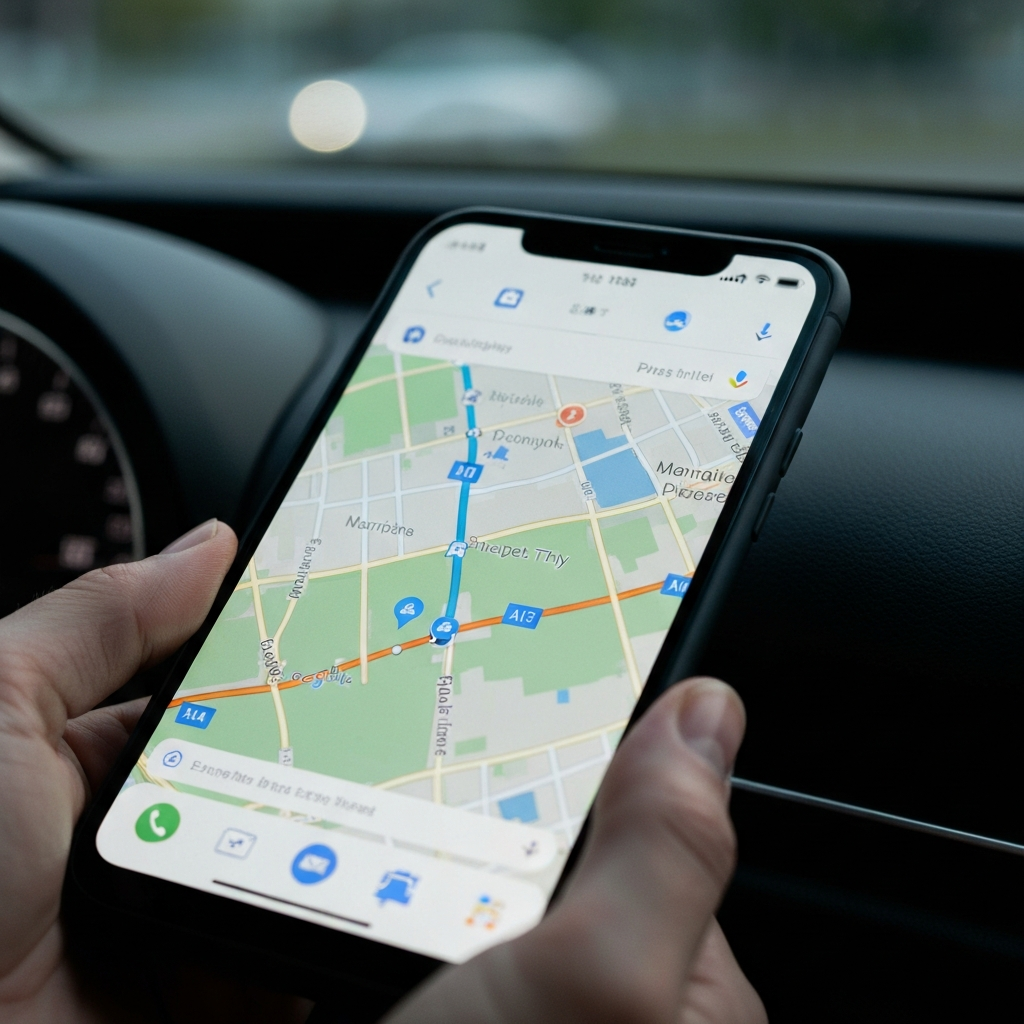
Your smartphone is an invaluable tool for navigating unfamiliar cities. Google Maps provides turn-by-turn directions, real-time traffic updates, and public transportation information. Download offline maps to avoid data roaming charges or if you anticipate limited internet access. Apps like Citymapper are specifically designed for navigating public transportation in major cities. Explore local recommendations and hidden gems using apps like Yelp, Foursquare, or Culture Trip. Be mindful of your surroundings and exercise caution when using your phone in public places.
Step 6: Staying Safe & Secure
Travel safety is paramount. Before your trip, research the local laws and customs of your destination. Share your itinerary with a trusted friend or family member. Download emergency contact information and store it in an easily accessible location on your phone. Consider using a VPN (Virtual Private Network) when connecting to public Wi-Fi networks to protect your personal data. Be aware of your surroundings and avoid walking alone in unfamiliar areas at night. Back up your phone's data before you travel, in case of loss or theft.

Tools or Materials Required
- Smartphone (iOS or Android)
- Reliable internet connection (Wi-Fi or mobile data)
- Power bank/portable charger
- Travel apps (flight booking, accommodation booking, navigation, translation, etc.)
Common Mistakes to Avoid
- Not setting a budget and overspending.
- Relying solely on Wi-Fi and not having a backup data plan.
- Not downloading offline maps.
- Forgetting to charge your phone.
- Ignoring travel advisories and local safety concerns.
Pro Tips
- Take screenshots of important booking confirmations and travel documents.
- Learn a few basic phrases in the local language.
- Consider purchasing travel insurance.
- Pack light to avoid baggage fees.
- Always be aware of your surroundings.
FAQ Section
Q: What if I lose my phone while traveling?
A: Report it to the local authorities and your mobile carrier immediately. If you have a "Find My Phone" feature enabled, use it to try to locate your device. Also, notify your bank and credit card companies if you have any payment information stored on your phone.
Q: How can I avoid data roaming charges?
A: Purchase a local SIM card, use Wi-Fi whenever possible, and download offline maps and content before you travel.
Q: Which travel apps are essential?
A: Flight booking apps (Skyscanner, Google Flights), accommodation booking apps (Booking.com, Airbnb), navigation apps (Google Maps, Citymapper), and translation apps (Google Translate) are highly recommended.
Conclusion
Planning a trip on your smartphone is a convenient and efficient way to explore the world. By leveraging the power of mobile apps and following these expert tips, you can create unforgettable travel experiences with ease. Remember to plan ahead, stay organized, and prioritize safety. Embrace the freedom and flexibility that smartphone travel planning offers, and get ready for your next adventure!