Modern smartphones have become incredibly powerful tools, extending far beyond simple communication. With the right apps and a bit of know-how, you can leverage your phone to diagnose common car problems, potentially saving time and money on costly mechanic visits. While your phone can't physically fix your car, it can provide valuable insights and help you understand the issue before seeking professional help. This guide will walk you through the steps, apps, and techniques to effectively diagnose car problems using your smartphone.
This isn't about replacing a qualified mechanic. Instead, it's about empowering you to gather information, perform basic checks, and communicate more effectively with automotive professionals. By using your phone's camera, sensors, and specialized apps, you can identify potential issues, understand error codes, and even monitor your car's performance in real-time. Remember, safety is paramount. If you are uncomfortable or unsure about any step, consult a professional.
Let's get started on turning your phone into a mobile diagnostic tool!
Step 1: Initial Observation and Documentation
Gathering Symptoms and Initial Clues
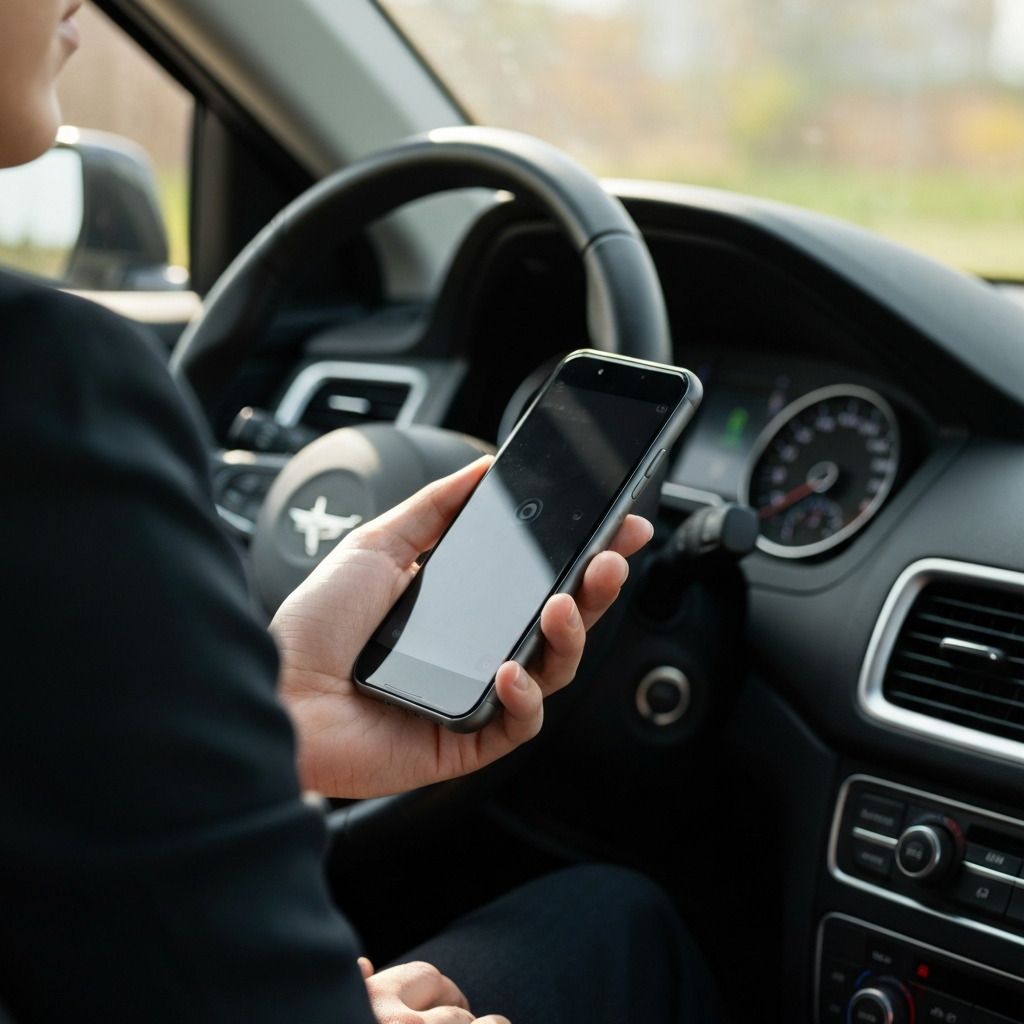
Before diving into apps and diagnostics, start with careful observation. What specific symptoms are you experiencing? Is there a strange noise, a warning light on the dashboard, or a noticeable change in performance? Write down everything you observe, including when the problem started, what conditions trigger it, and any recent changes to your car's maintenance or usage. The more details you record, the better you can pinpoint the potential issue. Use your phone's voice recorder app to dictate your observations if it's easier than typing, especially when driving conditions permit safe operation.
Step 2: Check Engine Light and OBD-II Scanners
Decoding the Check Engine Light with an App
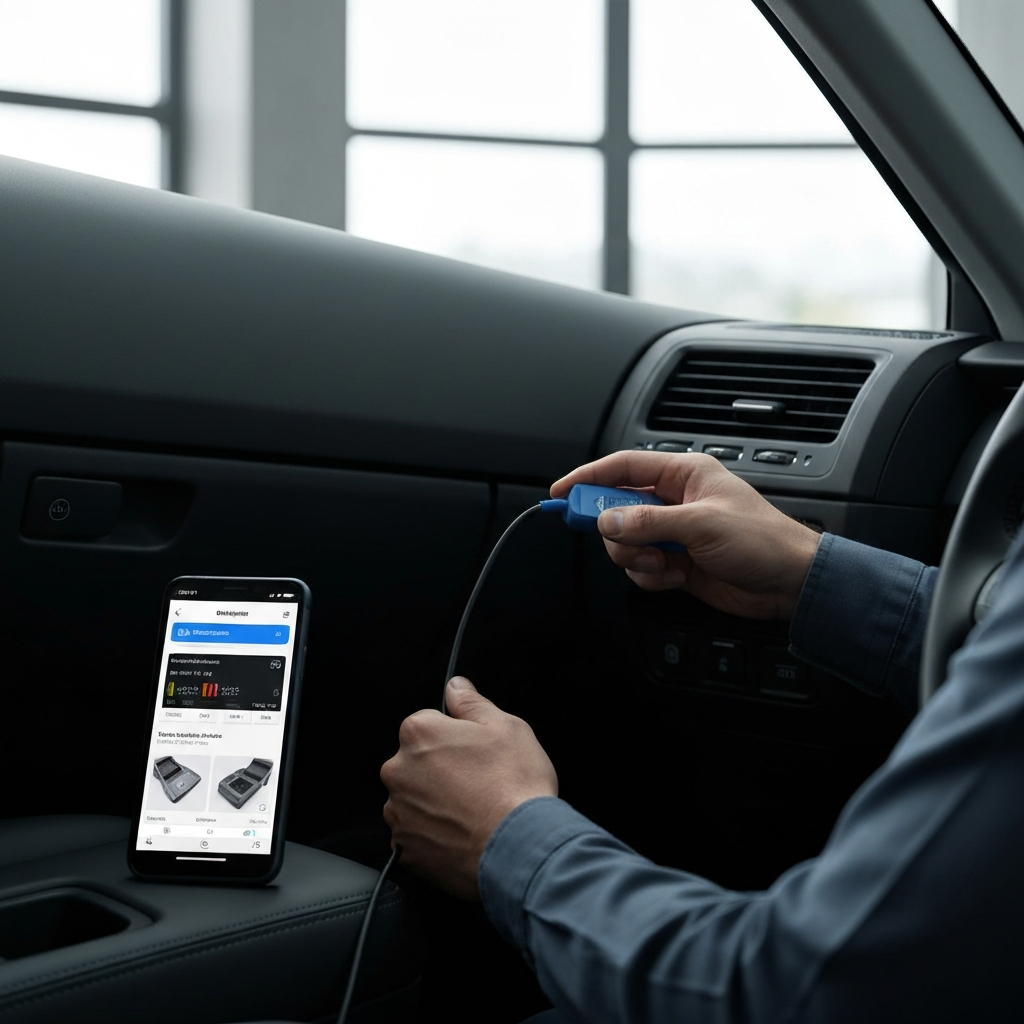
The check engine light is a crucial indicator. Invest in a Bluetooth OBD-II scanner. These inexpensive devices plug into your car's OBD-II port (usually located under the dashboard) and transmit data to your smartphone via Bluetooth. Download a compatible OBD-II scanner app like Torque Pro, Carista, or BlueDriver. These apps can read diagnostic trouble codes (DTCs) stored in your car's computer, providing valuable information about the nature of the problem. Once connected, run a scan and note down the error codes that appear. Be wary of free apps that may contain malware or limited functionality; opt for reputable paid apps or those with strong user reviews. Always disconnect the OBD-II scanner after use to prevent battery drain.
Step 3: Interpreting Error Codes and Online Resources
Researching Error Codes
Once you have the error codes, it's time to research them. Your OBD-II app will usually provide a brief description, but it's essential to delve deeper. Use your phone's web browser to search for the specific error code (e.g., "P0300 Ford F-150"). Include your car's make and model in the search for more accurate results. Reliable resources like online automotive forums (e.g., those dedicated to your car make/model), repair websites, and YouTube channels can provide detailed explanations, potential causes, and common solutions for each code. Cross-reference information from multiple sources to ensure accuracy and avoid relying on a single, potentially unreliable, opinion. Remember to check if there are any Technical Service Bulletins (TSBs) related to the error code and your vehicle's VIN. TSBs are issued by manufacturers to address known issues.
Step 4: Visual Inspection and Component Checks
Using Your Phone's Camera for Inspection
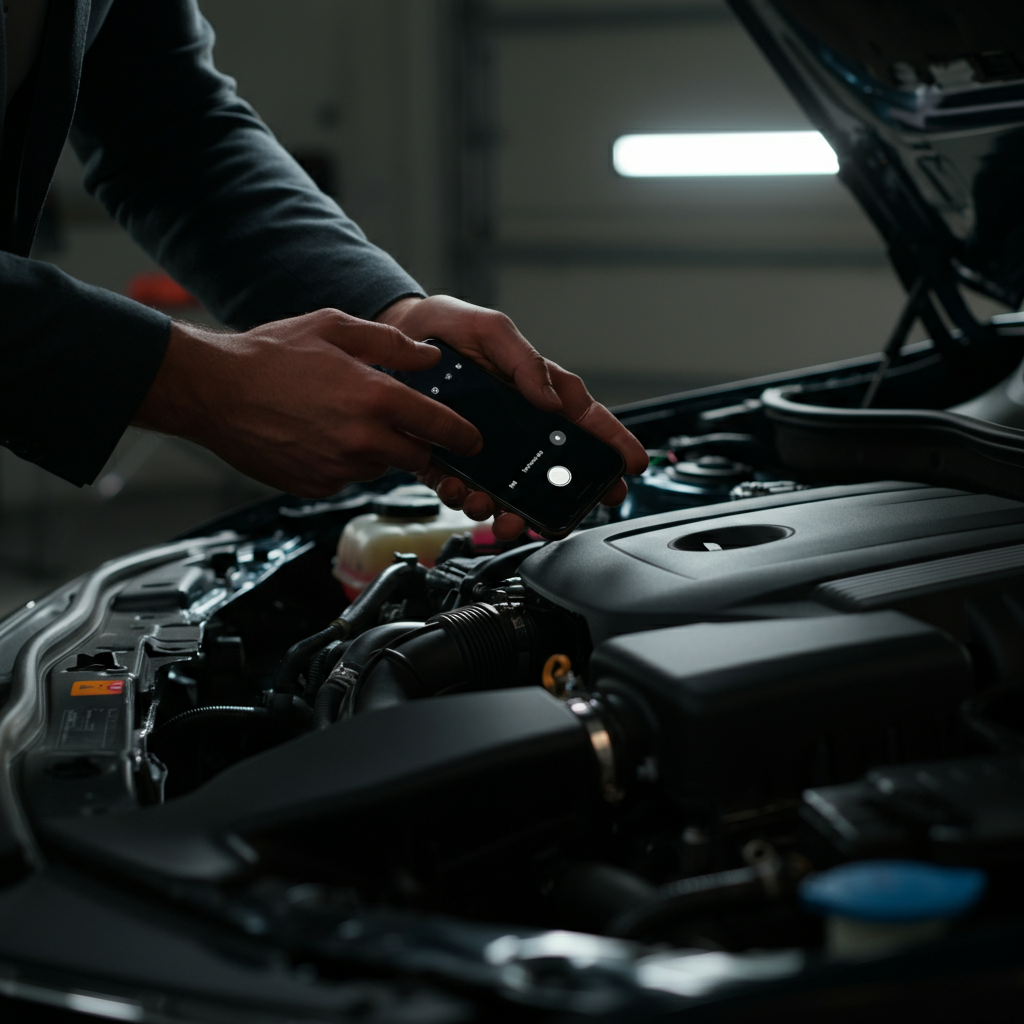
Armed with information about the potential problem, perform a visual inspection of the affected components. Use your phone's camera and flashlight to get a clear view of the engine bay, looking for obvious signs of damage, leaks, or wear. Check hoses for cracks, belts for fraying, and connectors for corrosion. Pay close attention to the areas identified as potential sources of the problem by the error codes. Take photos and videos of any suspicious findings. These visuals can be helpful when consulting with a mechanic or ordering replacement parts. For example, if you suspect a leak, photograph the location of the leak and the color of the fluid. If you are getting a battery light on the dashboard, check the battery terminals for corrosion using your phone's camera.
Step 5: Utilize Sensor Data and Performance Monitoring
Tracking Performance
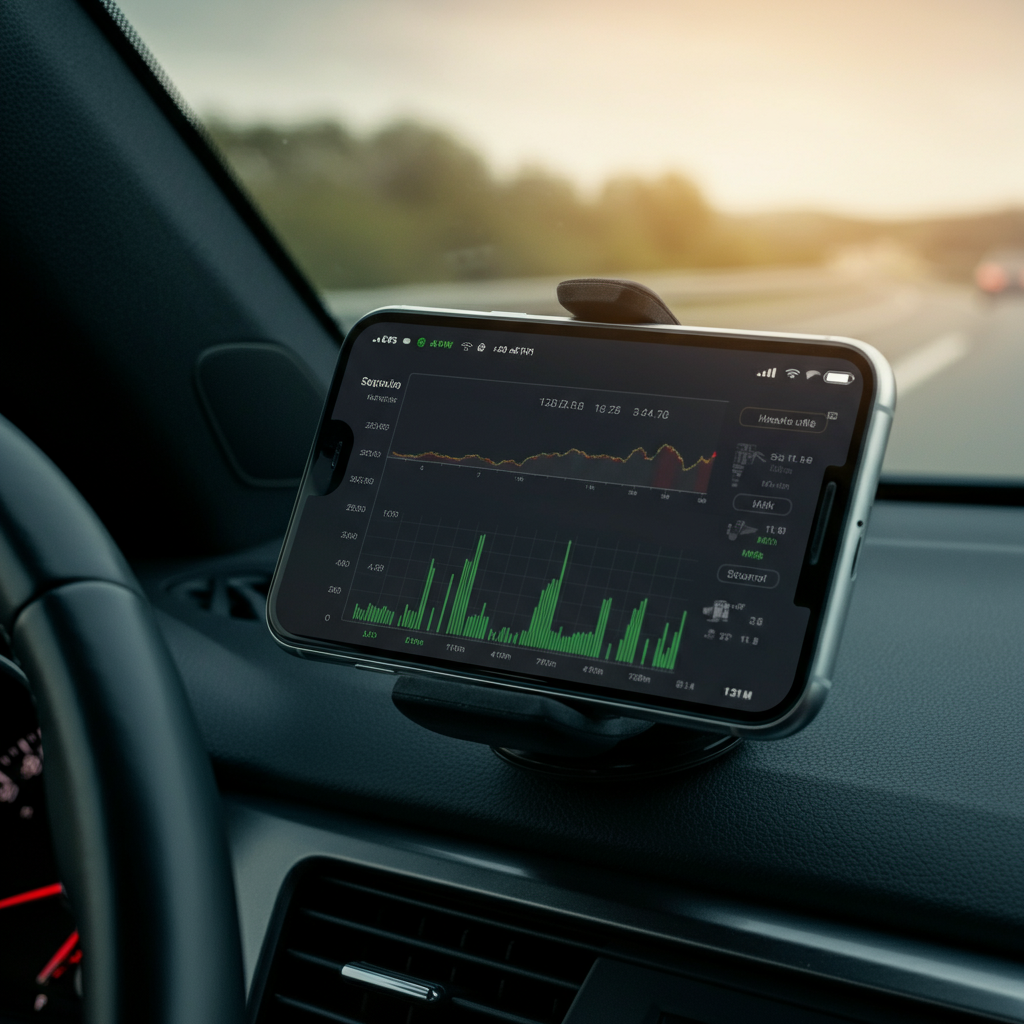
Many OBD-II apps can display real-time sensor data from your car's engine. This can be invaluable for diagnosing intermittent problems or tracking performance issues. Monitor parameters like engine temperature, RPM, fuel trims, and oxygen sensor readings. Compare these readings to the expected values for your car model. If your car is stalling, the battery light might come on. According to research, this can be caused by a blown fuse, a broken alternator belt or a dead battery. You can use your phone and a multimeter tool to test the battery's health. If the voltage doesn't increase with the engine on, this can mean that your alternator isn't charging the battery properly. Record a video of the data while driving (safely, with a passenger operating the phone) to capture transient events.
Tools or Materials Required
- Smartphone
- Bluetooth OBD-II scanner
- OBD-II scanner app (Torque Pro, Carista, BlueDriver, etc.)
- Flashlight (built-in phone flashlight is usually sufficient)
- Internet access (for researching error codes)
- Gloves (for protecting your hands)
- Basic tools (wrench, socket set – only if planning to perform minor repairs)
- Multimeter (for testing the battery's voltage)
Safety Considerations
- Never attempt to diagnose or repair your car on a busy road or in a dangerous location.
- Always wear gloves to protect your hands from dirt, grease, and chemicals.
- If you are unfamiliar with automotive repairs, consult a qualified mechanic.
- Disconnect the negative battery terminal before working on electrical components.
- Do not operate your phone while driving. Have a passenger assist you, or pull over to a safe location.
Common Mistakes to Avoid
- Ignoring warning lights or symptoms.
- Relying solely on error codes without performing visual inspections.
- Attempting repairs beyond your skill level.
- Using unreliable or outdated information from online sources.
- Forgetting to disconnect the OBD-II scanner after use, leading to battery drain.
- Failing to properly research the error codes
FAQ Section
Q: Can my phone really diagnose complex car problems?
A: Your phone can't replace a mechanic, but it can provide valuable information and help you understand the issue before seeking professional help.
Q: What if I don't understand the error codes?
A: Research the error codes online, using reliable sources like automotive forums, repair websites, and YouTube channels.
Q: Is it safe to work on my car myself?
A: Only perform repairs that you are comfortable with and have the necessary skills and tools for. If unsure, consult a professional mechanic.
Q: My car is stalling and the battery light is on, what could this mean?
A: It might be a blown fuse, a broken alternator belt or a dead battery. Check your fuses and use your phone and a multimeter tool to test the battery's health.
Conclusion
By following these steps, you can transform your smartphone into a valuable diagnostic tool for your car. Remember to prioritize safety, research thoroughly, and consult a professional mechanic when needed. Armed with knowledge and the power of your smartphone, you'll be better equipped to understand and address common car problems, saving time and money in the process. Good luck!