The digital landscape is rapidly evolving, and with it, the demand for accessible, online education is surging. Creating an online learning portal provides a powerful avenue to share your expertise, reach a global audience, and establish a sustainable source of income. However, launching a successful portal requires careful planning, strategic execution, and a commitment to providing a valuable learning experience.
This guide will walk you through the essential steps, from defining your target audience to continually improving your platform. We'll cover selecting the right platform, crafting engaging content, setting up payment systems, and effectively marketing your portal. By following these steps, you'll be well-equipped to build a thriving online learning community.
Embarking on this journey requires dedication and a willingness to adapt. Remember, the most successful online learning portals are those that prioritize the learner experience and consistently deliver high-quality content. Let's dive in and explore how you can create your own successful online learning platform.
Step 1: Define Your Target Audience
Before you even think about platforms or content, you must clearly identify your target audience. Who are you trying to reach with your online learning portal? What are their existing skill levels, learning preferences, and professional goals? Understanding your audience is crucial for tailoring your content, marketing strategies, and overall platform design. Consider factors like age, location, industry, and experience level. What problems are they trying to solve? What are their pain points?

Step 2: Choose Your Platform
Selecting the right platform is a critical decision that will impact your portal's functionality, scalability, and user experience. There are several options available, each with its own strengths and weaknesses. WordPress, with its powerful plugins like LearnDash or LifterLMS, offers flexibility and customization. Moodle is a robust, open-source platform ideal for large-scale institutions. Teachable provides a user-friendly, all-in-one solution specifically designed for online courses. Evaluate your technical skills, budget, and the specific features you need before making a decision. Consider factors like course creation tools, student management capabilities, payment processing integration, and marketing features. A crucial practical consideration is the level of customer support provided by each platform.

Step 3: Create Engaging Content
High-quality content is the backbone of any successful online learning portal. This includes well-structured lessons, engaging video tutorials, interactive quizzes, downloadable resources, and supplementary materials. Ensure your content is not only informative but also easy to understand and visually appealing. Break down complex topics into smaller, digestible chunks. Incorporate multimedia elements to cater to different learning styles. Consider using a combination of text, images, audio, and video to keep your students engaged and motivated. Pay close attention to the production quality of your videos – clear audio and crisp visuals are essential. Regularly update your content to keep it fresh and relevant.

Step 4: Set Up Payment and Enrollment Systems
If you plan to monetize your online learning portal, you'll need to establish a secure and user-friendly payment and enrollment system. Integrate payment gateways like PayPal or Stripe to process transactions securely. Create clear and concise enrollment forms to collect student information and track their progress. Consider offering various pricing options, such as tiered subscriptions or individual course purchases. Ensure your payment process is seamless and transparent to avoid frustration and potential drop-offs. Automate enrollment confirmation and welcome emails to provide a professional and efficient onboarding experience. Comply with all relevant data privacy regulations when collecting and storing student information.
Step 5: Market Your Online Learning Portal
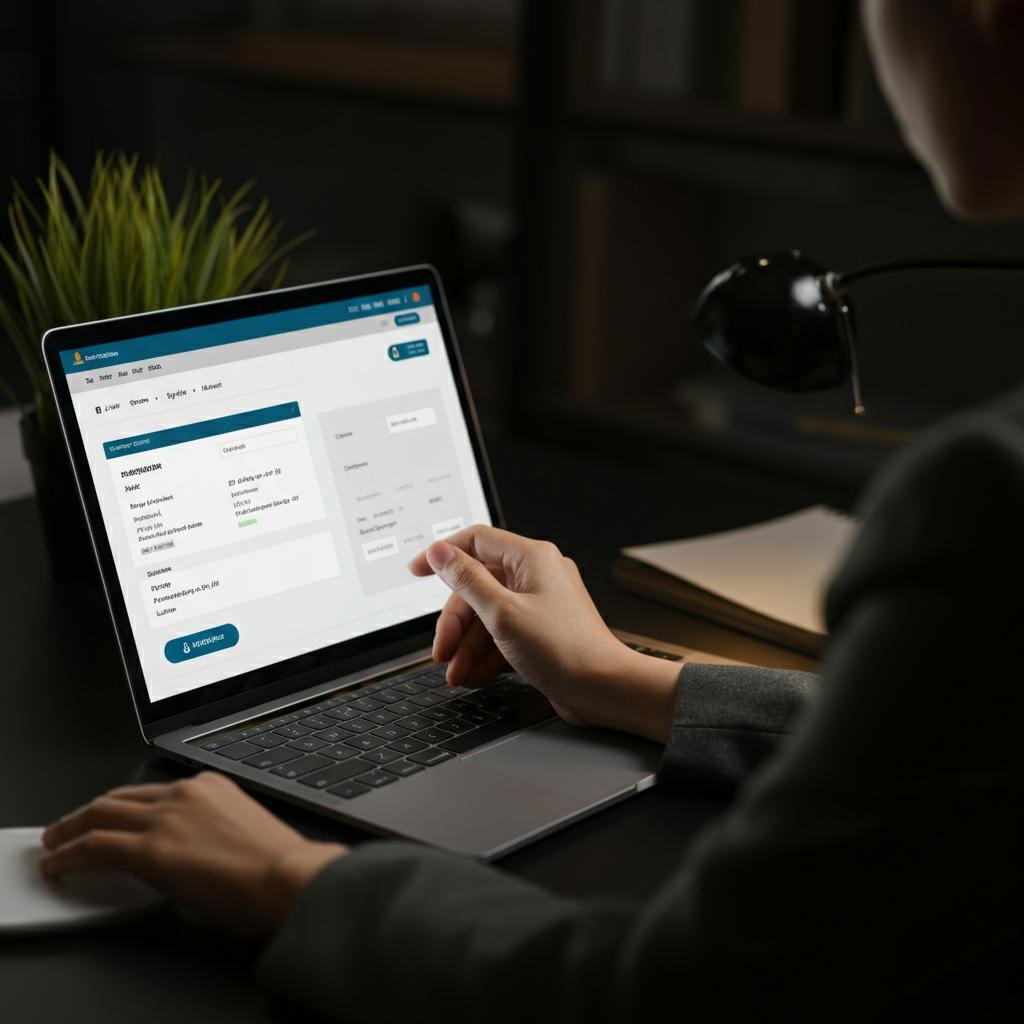
Once your portal is live, you need to effectively market it to your target audience. Utilize a multi-faceted approach that includes social media marketing, email marketing, content marketing, and paid advertising. Craft a compelling value proposition that clearly articulates the benefits of your portal. Highlight the unique features, the expertise of the instructors, and the potential outcomes for students. Engage with your audience on social media, respond to comments and questions promptly, and build a strong online presence. Consider offering free introductory courses or webinars to attract new students. Track your marketing efforts to identify what's working and what's not, and adjust your strategy accordingly.

Step 6: Foster Engagement and Community
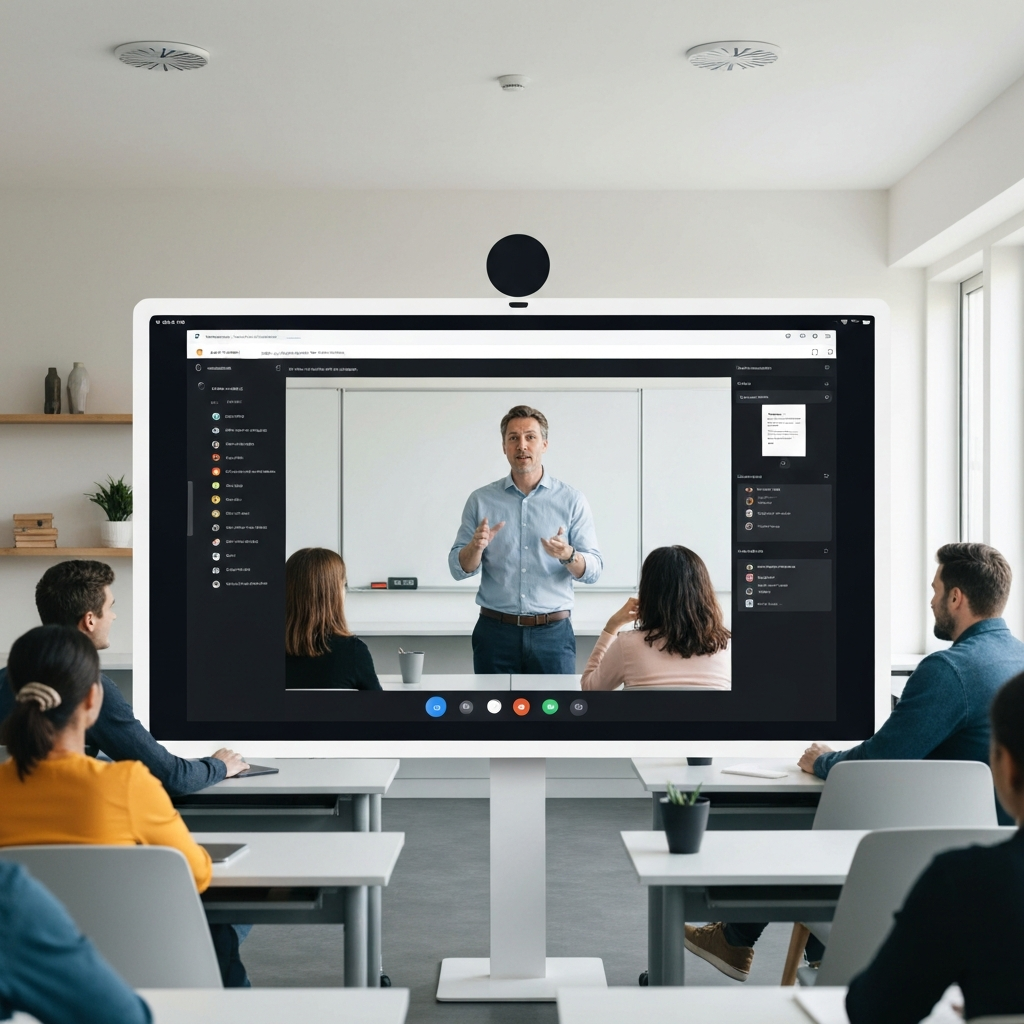
Creating an engaging learning environment is crucial for student retention and satisfaction. Encourage interaction among students through discussion forums, online chat groups, or collaborative projects. Be actively involved in these communities, providing feedback, answering questions, and facilitating discussions. Consider hosting live Q&A sessions or webinars to connect with your students in real-time. Recognize and reward student achievements to motivate and encourage participation. By fostering a strong sense of community, you can create a loyal following and establish a thriving online learning ecosystem.
Step 7: Analyze and Improve Your Portal
Continuous improvement is essential for the long-term success of your online learning portal. Utilize analytics tools to track student engagement, course completion rates, and overall platform performance. Analyze this data to identify areas for improvement, such as content gaps, usability issues, or marketing inefficiencies. Solicit feedback from your students through surveys and reviews. Implement changes based on this feedback and continually optimize your portal to enhance the learning experience. Regularly update your content, improve your platform's functionality, and adapt to the evolving needs of your students. This iterative approach will ensure your portal remains relevant and competitive in the long run.

Tools or Materials Required
- Learning Management System (LMS) Platform: WordPress with plugins, Moodle, Teachable, etc.
- Video recording equipment: Camera, microphone, lighting
- Video editing software: Adobe Premiere Pro, Final Cut Pro, Camtasia
- Screen recording software: OBS Studio, Camtasia
- Graphic design software: Adobe Photoshop, Canva
- Payment gateway integration: PayPal, Stripe
- Email marketing platform: Mailchimp, ConvertKit
- Analytics tools: Google Analytics
Common Mistakes to Avoid
- Failing to clearly define your target audience.
- Choosing a platform that doesn't meet your needs.
- Creating low-quality or unengaging content.
- Neglecting to market your portal effectively.
- Ignoring student feedback and failing to improve.
- Overpromising results.
Pro Tips
- Start small and scale gradually. Don't try to launch a massive portal with hundreds of courses right away. Begin with a few core offerings and expand as you gain traction.
- Focus on creating a niche offering. Differentiate yourself from the competition by specializing in a particular subject or skill.
- Build a strong brand identity. Create a professional logo, consistent visual style, and a memorable brand message.
- Network with other online educators. Collaborate on content, cross-promote each other's courses, and share best practices.
FAQ Section
- How much does it cost to create an online learning portal?
- The cost can vary widely depending on the platform you choose, the complexity of your content, and your marketing budget. Some platforms offer free plans with limited features, while others require monthly subscriptions or one-time licensing fees. Consider your budget and choose a platform that aligns with your financial constraints.
- How long does it take to build an online learning portal?
- The timeline can also vary depending on the scope of your project. A simple portal with a few courses can be launched in a matter of weeks, while a more complex platform with extensive content and advanced features may take several months to develop.
- Do I need technical skills to create an online learning portal?
- Some technical skills are helpful, but not always essential. Many platforms offer user-friendly interfaces and drag-and-drop tools that make it easy to create courses and manage your portal. However, if you plan to customize your platform or integrate advanced features, you may need to hire a web developer or learn some basic coding skills.
Conclusion
Creating an online learning portal is a rewarding endeavor that can empower you to share your knowledge, reach a global audience, and build a sustainable online business. By carefully planning, selecting the right platform, creating engaging content, and effectively marketing your portal, you can achieve success in the rapidly evolving world of online education. Remember to prioritize the learner experience, continually improve your platform, and foster a strong sense of community. With dedication and perseverance, you can create a thriving online learning ecosystem that benefits both you and your students.