Training is a cornerstone of organizational success. However, simply delivering information isn't enough. An effective training session goes beyond the basics, leaving participants not just informed, but also engaged, motivated, and equipped to apply their new knowledge. A poorly planned or executed training can be a significant drain on resources and, worse, can lead to disengaged employees and missed opportunities for growth.
This guide provides a comprehensive, step-by-step approach to designing and delivering impactful training sessions. Whether you're training new hires, introducing new software, or developing leadership skills, the principles outlined here will help you create a learning experience that delivers real results. We'll explore strategies for understanding your audience, crafting engaging content, and fostering an environment conducive to learning and retention.
By focusing on clear objectives, interactive activities, and practical application, you can transform your training sessions from tedious lectures into dynamic and rewarding learning experiences. Prepare to elevate your training skills and empower your participants to reach their full potential.
Step 1: Understand Your Audience's Needs
Before you even begin crafting content, it's crucial to deeply understand who your participants are. Knowing their background, experience level, and learning preferences is essential for tailoring the training to their specific needs. Consider factors like the number of attendees, their familiarity with the subject matter, and their job roles. Are they primarily visual, auditory, or kinesthetic learners? Identifying these characteristics will allow you to select appropriate teaching methods and materials. Ignoring this step can lead to a disconnect between the training and the participants' actual needs, resulting in disengagement and poor knowledge retention.

Step 2: Define Clear, Achievable, and Measurable Goals
A training session without clear goals is like a ship without a rudder. Your objectives should be specific, measurable, achievable, relevant, and time-bound (SMART). What do you want participants to be able to do by the end of the training? Instead of vague aspirations like "understand data security," aim for concrete goals like "identify three practical methods for safeguarding personal data online." Limiting the number of goals to 3-5 allows you to maintain focus and avoid overwhelming participants. Each activity and piece of content should directly contribute to achieving these defined goals. Without measurable goals, it becomes impossible to assess the effectiveness of the training and identify areas for improvement.

Step 3: Cater to Different Learning Styles
People learn in different ways. Some thrive on visual aids, others on auditory input, and still others on hands-on activities. An effective training session incorporates a variety of teaching methods to cater to these diverse learning styles. Use PowerPoint presentations, videos, and handouts to appeal to visual learners. Ensure clear and audible communication for auditory learners. Incorporate role-playing exercises, demonstrations, and group activities for kinesthetic learners. Neglecting to address different learning styles can leave some participants feeling excluded and unable to fully grasp the material. Variety is the spice of learning.

Step 4: Organize Your Session Around Your Goals
Once you've defined your goals and considered learning styles, it's time to create a detailed session outline. Break down each goal into specific activities and allocate time for each. For example, if a goal is "participants will be able to create a pivot table in Excel," the corresponding activity could be "hands-on practice using Excel at individual computer stations," with an estimated time of 30 minutes. A well-structured outline provides a roadmap for both you and the participants, ensuring that the session stays on track and all key topics are covered. A disorganized session can leave participants feeling confused and unsure of the key takeaways.

Step 5: Create or Curate Engaging Content
Holding the attention of participants requires more than just dry facts and figures. You need to "spice up" your training with engaging content that is relevant, memorable, and even entertaining. This might include real-world examples, case studies, interactive exercises, videos, and even humor (used appropriately). You can either create your own content or leverage existing resources, but always ensure that the material aligns with your training goals and resonates with your audience. A dull and uninspired training session will quickly lose the interest of participants, rendering the entire effort ineffective.

Step 6: Draft Your Presentation Within Time Constraints
With your outline and content in place, you can begin crafting your actual presentation. As you write, be mindful of the time allotted for each section. It's better to cover fewer topics thoroughly than to rush through a large amount of material superficially. Incorporate personal anecdotes, jokes (when appropriate), and interactive elements to keep the audience engaged. Schedule breaks, especially for sessions longer than 90 minutes, and always allocate time for questions. Running over time or failing to address questions can leave participants feeling frustrated and unheard.

Step 7: Practice, Practice, Practice
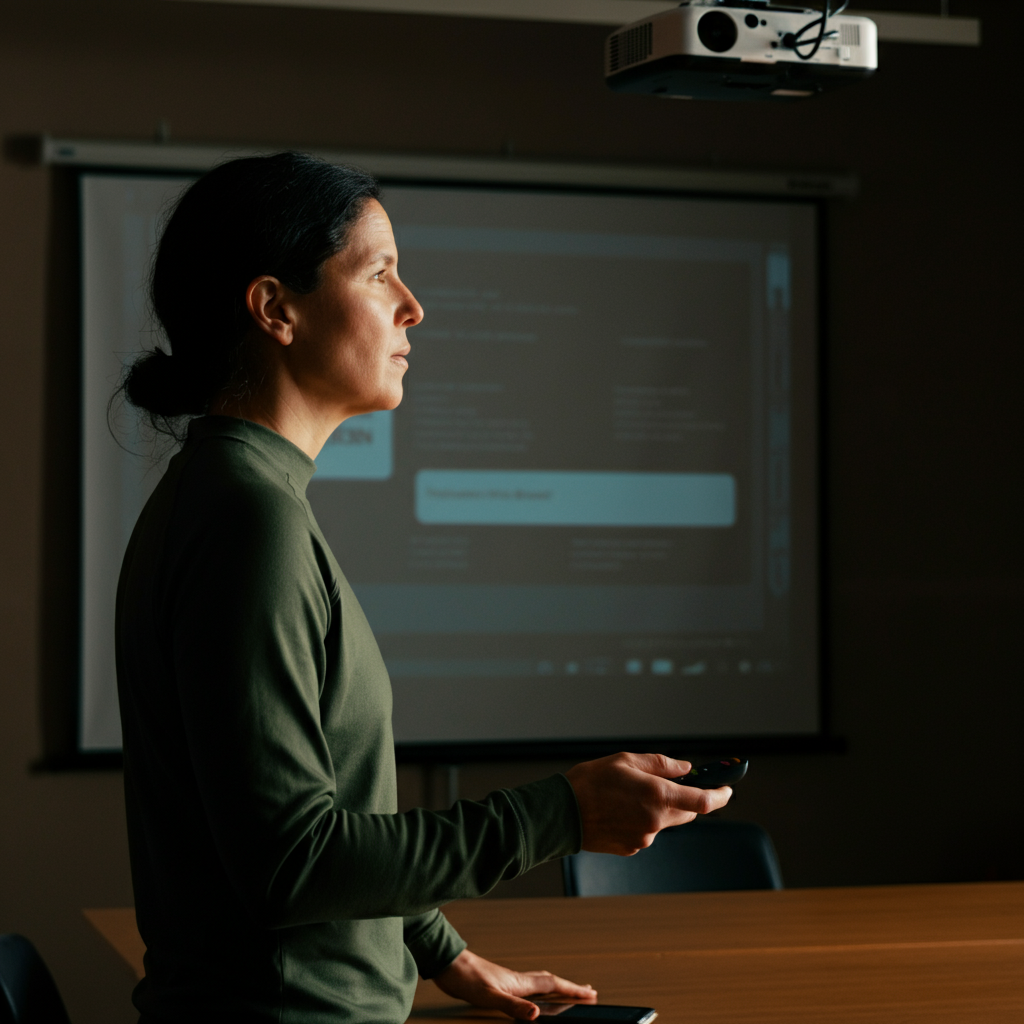
The more you rehearse your presentation, the more confident and comfortable you will be on the day of the training. Practice until you can deliver the material smoothly and naturally, without relying heavily on notes. Time yourself to ensure that you stay within the allocated time limits. If possible, practice in the actual training room to familiarize yourself with the space and equipment. The more prepared you are, the more effective your training will be.
Step 8: Select a Suitable Training Environment
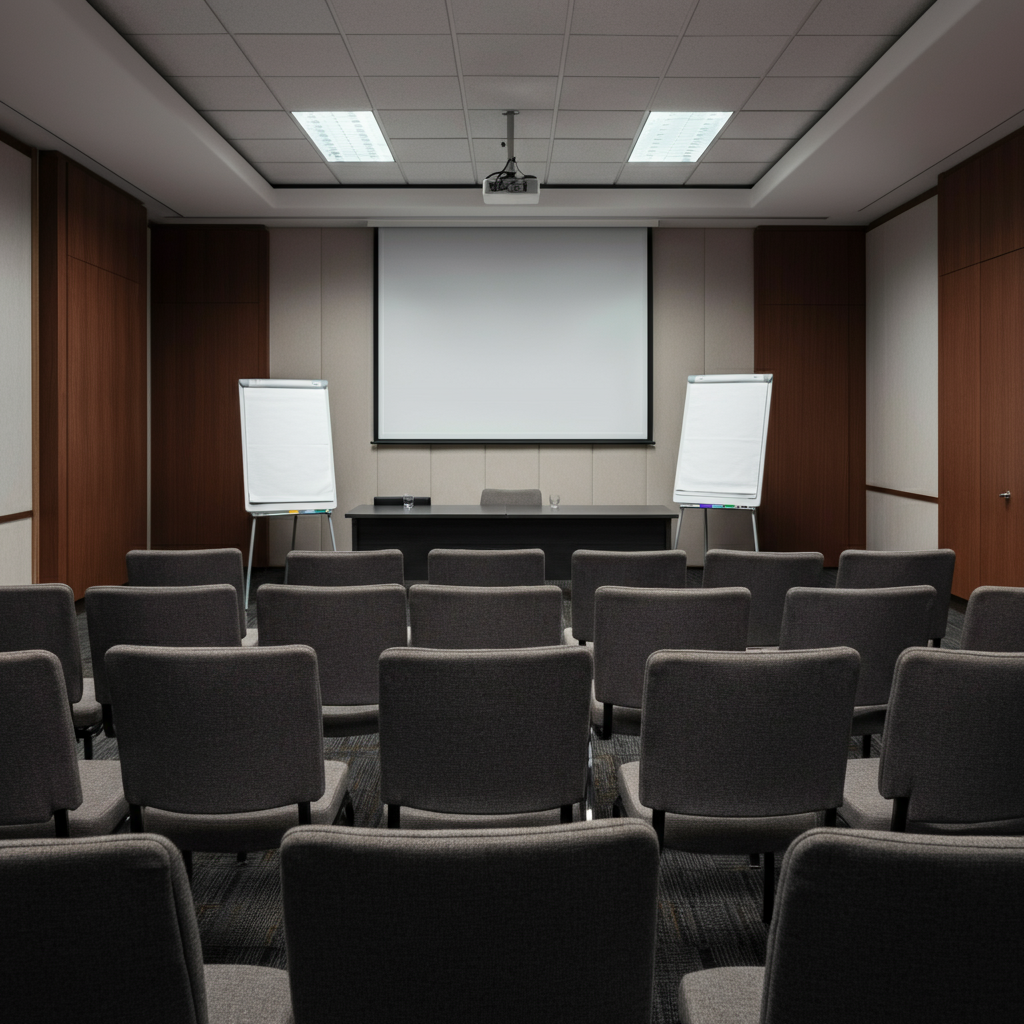
The physical environment plays a crucial role in the success of any training session. Choose a quiet space that is free from distractions and has good acoustics. Ensure the room is accessible to all participants, including those with physical limitations. Adequate ventilation, comfortable seating, and easy access to restrooms are also important considerations. The room should be equipped with all the necessary technology, such as a projector, screen, and reliable internet connection. A poorly chosen environment can undermine even the best-designed training session.
Step 9: Gather and Test Equipment and Materials
Avoid last-minute surprises by gathering all necessary equipment and materials well in advance of the training session. Test everything thoroughly to ensure that it is working properly. This includes computers, projectors, screens, microphones, speakers, and any software or online platforms you plan to use. Have a backup plan in place in case of technical difficulties. A checklist can be helpful for ensuring that you haven't overlooked anything. Technical glitches can disrupt the flow of the training and detract from its effectiveness.
Step 10: Ensure Visibility and Audibility
Before the training begins, make sure that all participants can see and hear you clearly. Arrange the seating in a way that allows everyone to have a good view of the presenter and any visual aids. Speak clearly and project your voice so that everyone in the room can hear you without straining. If necessary, use a microphone. Walk around the room to assess visibility and audibility from different locations. Participants who cannot see or hear the presentation will quickly become disengaged.
Step 11: Greet Participants Warmly
Create a positive and welcoming atmosphere by greeting participants as they arrive. Introduce yourself, make small talk, and offer assistance if needed. Hand out any materials, such as handouts or name tags, as they come in. For larger training sessions, consider setting up a registration table. First impressions matter, and a warm welcome can set the tone for a successful training session.
Step 12: Provide an Overview and Outline
Start the training session by providing participants with a clear overview of the topics that will be covered and the goals that you hope to achieve. Present a detailed outline of the session, either verbally or in a handout, so that participants know what to expect. This helps to set expectations and allows participants to focus on the most important information. Without a clear overview, participants may feel lost or confused about the purpose of the training.
Step 13: Grab Attention Immediately
Begin your presentation with a captivating hook to grab the audience's attention. This could be an interesting statistic, a thought-provoking question, a personal anecdote, or a short video clip. The goal is to pique their interest and make them want to learn more. Starting with a dull or predictable introduction can lead to disengagement from the very beginning.
Step 14: Stick to the Schedule
While flexibility is important, do your best to adhere to the published schedule. Running late can irritate participants and distract them from the session's topic. If you find yourself running behind, consider cutting less essential material or activities. Prioritize the key learning objectives and ensure that you have enough time to cover them adequately.
Step 15: Show Enthusiasm
Your passion for the topic will be contagious. Display enthusiasm and energy when you present the material. Let your personality shine through. If you are excited about the training, your participants are more likely to be excited as well. A monotone delivery and a lack of enthusiasm can quickly drain the energy from the room.
Step 16: Gauge Understanding with Questions
Throughout the training session, regularly check in with participants to gauge their understanding of the material. Ask open-ended questions, encourage them to share their thoughts and experiences, and provide constructive feedback. Monitor their facial expressions and body language for signs of confusion or disengagement. Addressing misunderstandings early on can prevent them from becoming major obstacles to learning.
Step 17: Incorporate Hands-On Experience
Many people learn best by doing. Incorporate activities that allow participants to apply their new knowledge in a practical way. This could include group exercises, role-playing scenarios, case studies, or simulations. The more hands-on experience participants have, the better they will retain the information and be able to apply it in their daily work.
Step 18: Anticipate Common Questions
Before the training session, put yourself in the shoes of your participants and anticipate the questions that they are likely to ask. Prepare clear and concise answers to these questions. Having answers ready will allow you to respond confidently and efficiently, and it will demonstrate your expertise on the subject matter.
Step 19: Reiterate Main Points
Throughout the training session, and especially at the end, reiterate the key learning objectives and main points. Summarize the key takeaways and emphasize their importance. Provide participants with a handout or resource list that summarizes the main points. Repetition reinforces learning and helps participants to remember the most important information.
Step 20: Solicit Feedback
After the training session, solicit feedback from participants to improve future sessions. Use a written survey or an online form to gather their opinions on the content, delivery, activities, and overall effectiveness of the training. Make the feedback anonymous to encourage honest responses. Their insights can be invaluable for identifying areas for improvement and ensuring that future training sessions are even more effective.
Tools or Materials Required
- Projector and screen
- Computer with presentation software
- Microphone and speakers (if needed)
- Handouts or resource materials
- Flip chart or whiteboard
- Markers or pens
- Name tags
- Refreshments (water, coffee, snacks)
Common Mistakes to Avoid
- Failing to understand the audience's needs
- Setting unrealistic goals
- Using only one learning style
- Having a disorganized presentation
- Delivering content in a monotone voice
- Not allowing time for questions
- Failing to solicit feedback
Pro Tips
- Start and end on time.
- Make eye contact with participants.
- Move around the room to engage the audience.
- Use humor appropriately to keep things light.
- Be prepared to answer questions.
- Thank participants for their time and attention.
FAQ Section
Q: How long should a training session be?
A: The ideal length depends on the complexity of the material and the attention span of the participants. Aim for shorter, focused sessions rather than long, drawn-out ones. Schedule breaks every 60-90 minutes.
Q: What's the best way to handle difficult participants?
A: Remain calm and professional. Listen to their concerns and try to address them directly. If necessary, take the conversation offline.
Q: How can I make a training session more engaging?
A: Use a variety of teaching methods, incorporate interactive activities, and tell stories. Make the material relevant to the participants' daily work.
Conclusion
Conducting an effective training session requires careful planning, engaging content, and a skilled presenter. By understanding your audience, setting clear goals, catering to different learning styles, and incorporating interactive activities, you can create a learning experience that is both informative and enjoyable. Remember to practice your presentation, gather feedback, and continuously improve your skills. With dedication and attention to detail, you can transform your training sessions into powerful tools for organizational growth and employee development.